


 Live
LiveNovaZones
Safe zones for vertical video
See exactly where Reels, TikTok, Shorts and LinkedIn cover your video with their own buttons and captions — while you're still editing, not after you post. Works in free Resolve. For Windows and macOS.
Focused tools that work right inside DaVinci Resolve — a film look, safe zones, motion blur, titles and more. They automate the repetitive work so you spend less time on setup and more on the creative decisions. One-time purchase. Lifetime licence. No subscriptions, no accounts.
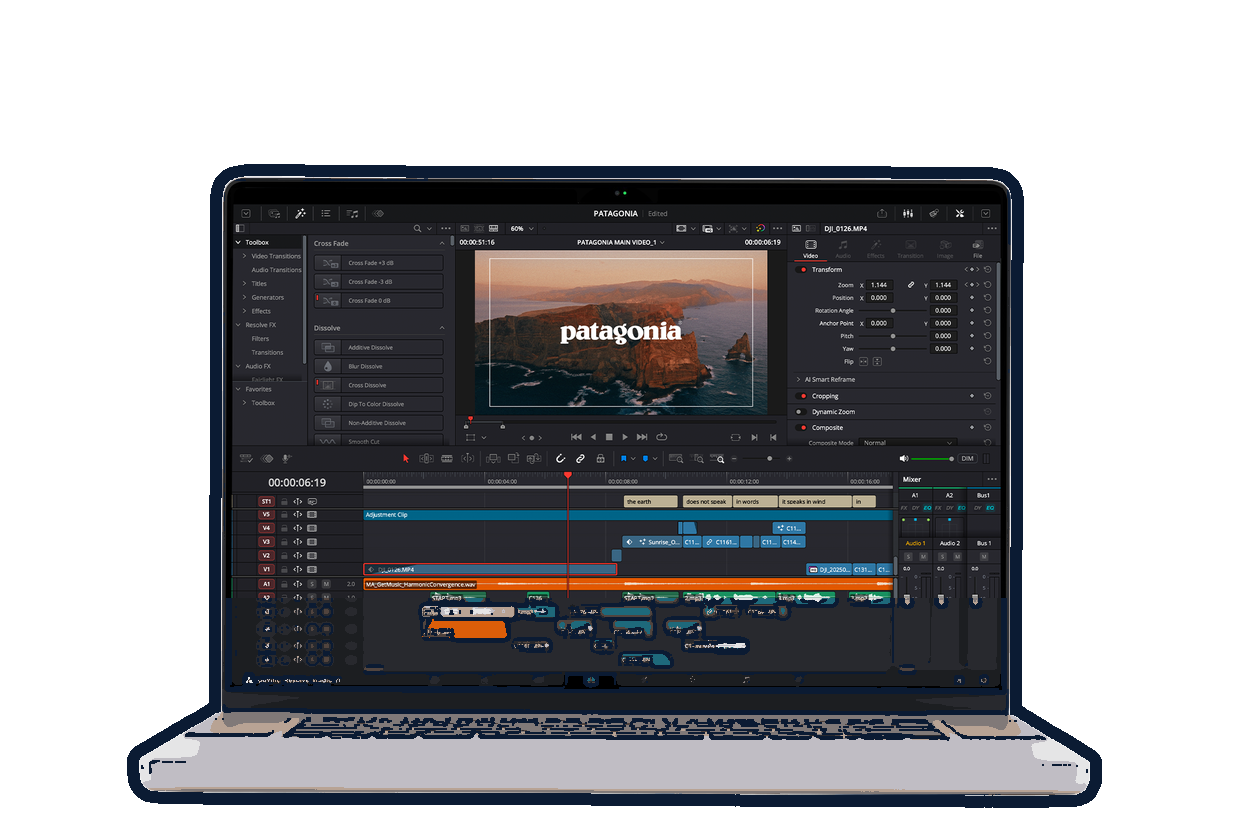


One plugin per problem, ready to grab off the shelf.
Every paid plugin in one bundle — the film look, motion blur, safe zones, liquid glass, one-click social formats and all 20 transitions, plus all three free tools.
One plugin per problem. No feature bloat.
LiveSafe zones for vertical video
See exactly where Reels, TikTok, Shorts and LinkedIn cover your video with their own buttons and captions — while you're still editing, not after you post. Works in free Resolve. For Windows and macOS.
 Live
LiveCinematic motion blur in one click
Add smooth, film-style motion blur to any clip on your timeline — one click, no keyframes, no fiddly settings. For Windows, macOS and Linux.
 Live
LiveSubtitles in, animated captions out
One click rebuilds any subtitle track as styled, animated Text+ captions — 12 looks, power-word highlighting and platform-safe placement. It builds them on its own track, so your edit is never cut. Works in free Resolve. For Windows, macOS and Linux.
 Live
LiveSix camera looks, one drag
Turn any clip into CCTV, night vision, VHS, IP cam, 90s analogue or bodycam footage — with a live ticking timecode, a blinking REC dot and rolling scanlines. Works in free Resolve. For macOS.
 Live
LiveOne-click cinematic film look
Drag it on, pick a look from one dropdown — real film grain, halation, bloom and gate weave, plus 10 cinematic presets. No colour page, no Studio licence. For Windows and macOS.
 Live
LiveReal refracting glass
An Apple-style liquid glass bar that works like an actual lens — it bends, magnifies and disperses the footage behind it, not just blurs it. Any shape, built-in text animation, 35 Inspector controls. For Windows and macOS.
 Live
LiveEvery social format, one click
Instantly creates Square, Vertical and Portrait copies of your timeline — every clip, track and effect intact, scaled to fill the frame. You reframe. Works with the free version of Resolve 17+. For Windows, macOS and Linux.
 Free
FreeOne-click media-pool cleanup
Sorts every loose clip into Footage, Music, SFX, VFX, Graphics, Stills and Timelines — one click, with a preview and one-click undo. Never deletes, 100% local. Works with the free version of Resolve. For Windows, macOS and Linux.
 Free
Free21 free lower thirds
A free pack of 21 animated, drag-and-drop lower thirds — minimal, broadcast, social and cinema styles. Name + subtitle with eased animation, editable in the Inspector. Works in free Resolve. Free, pay what you want. For Windows and macOS.
 Free
Free40 free animated titles
A free pack of 40 drag-and-drop animated titles — kinetic stacks, lower thirds, captions, glitch, chrome, neon and more. Type your text, restyle everything in the Inspector. Works in free Resolve. Free, pay what you want. For Windows and macOS.
 Live
Live20 smooth transitions
A pack of 20 clean transitions — slides, zooms, spin, glitch, prism, swirl and more, each with its own motion blur and a true RGB-split. Drag between two clips, done. For Windows, macOS and Linux.
All 11 plugins are live now — the catalogue rolls out one at a time, so each one ships properly instead of all at once. Each plugin gets its own lifetime license, or take the whole set as a bundle — no cross-activation, no surprise pricing later. Goal: a big library of Nova plugins by 2027.
See the full roadmap →Tell other editors what it did for your edit. Reviews show up on that plugin's own page — it takes about thirty seconds.